Blog
What Is an AI Employee? (And How to Hire Your First One in 2026)
What is an AI employee?
An AI employee is a single AI agent that acts like a team member you have hired. It shows up for the work you have assigned, uses the same tools your human employees use (email, CRM, spreadsheets, your ledger, your ticketing system), remembers what happened last time, and hands off decisions to a human when the stakes are high.
The term AI worker is often used interchangeably with AI employee. Both describe the same thing: an autonomous, role-scoped agent that gets specific work done — not a chatbot that only responds when spoken to.
An AI employee is the atomic unit of an AI workforce. One AI employee is where every team starts. A workforce is what you have once you have a few of them coordinating with each other.
AI employee vs AI worker vs AI agent vs AI assistant
The terms overlap. Here is the practical difference:
- AI assistant — reactive. You prompt, it responds. One turn. Great for Q&A, poor at multi-step work. (ChatGPT in a browser tab.)
- AI agent — proactive. Given a goal, it plans and takes multi-step action. The category label used by engineers.
- AI worker — the same thing as an AI agent, framed as "a worker who happens to be software." Common in operations and RPA circles.
- AI employee — the same thing again, framed as "a hired role." Common in business and HR conversations.
For the rest of this guide we use AI employee — but everything applies equally to AI worker and AI agent. What matters is not the label; what matters is that the software has a role, not just a prompt.
What an AI employee actually does
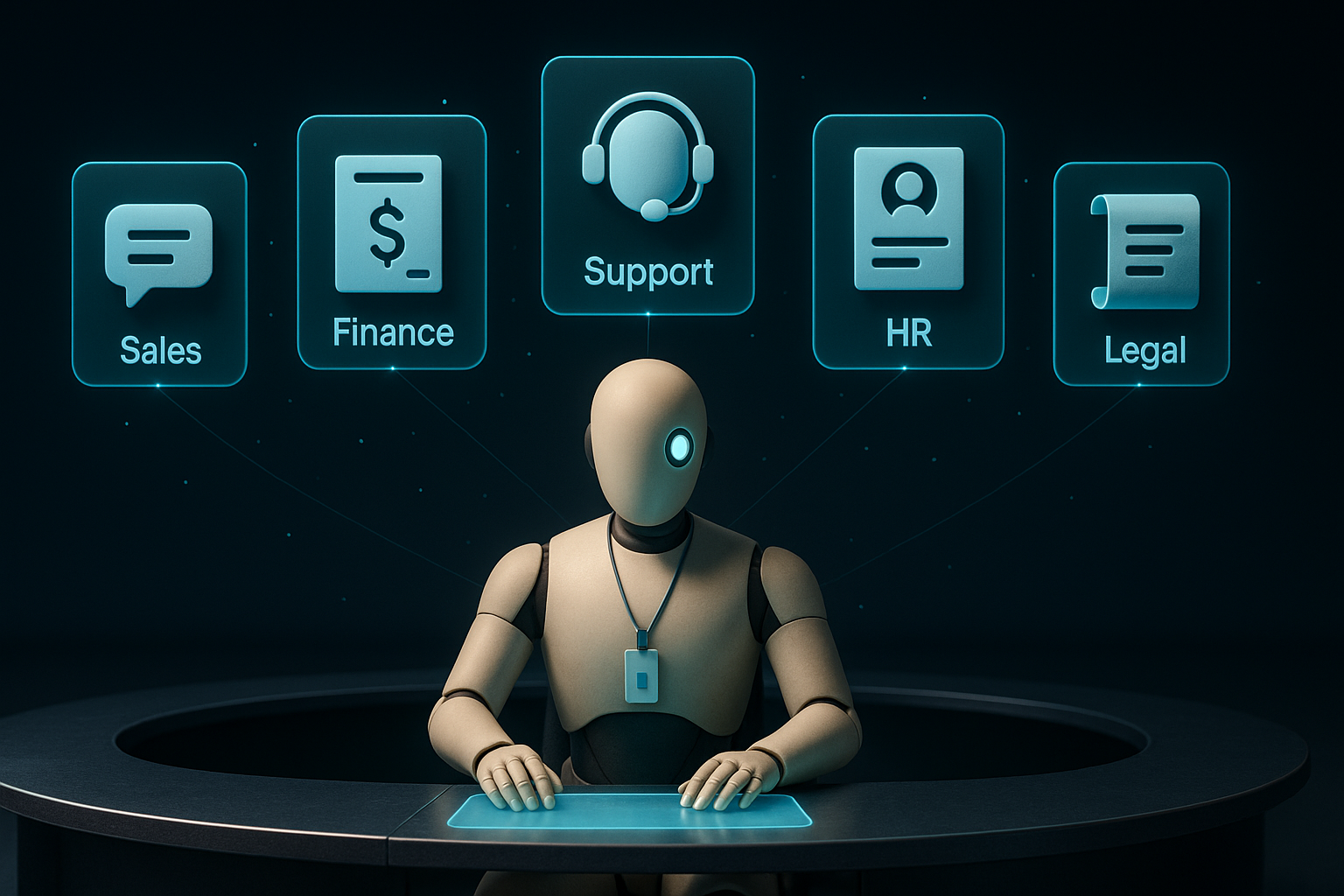
A good AI employee is boring, which is the point — it does the same 10-40 hours of repetitive knowledge work every week that used to eat your team's calendar. A few real patterns:
- Sales AI employee — enriches new leads, drafts personalized outreach, updates the CRM, drafts follow-ups when a lead opens but does not click.
- Finance AI employee — reconciles invoices with POs, reads bank feeds, flags anomalies, drafts month-end journal entries for a human to approve.
- Support AI employee — triages incoming tickets, drafts first-touch replies against your knowledge base, escalates the ambiguous ones.
- HR AI employee — screens inbound resumes against your rubric, schedules first-round calls, drafts follow-up notes.
- Legal AI employee — reviews standard contracts against your playbook, flags non-standard clauses, drafts markup for a lawyer.
Notice the pattern: the AI employee drafts and executes; a human reviews and approves anything with real consequences.
The 5-part anatomy of every AI employee
Regardless of which platform you use, every AI employee has the same five parts. Get all five right and it behaves like software you can count on. Leave any one implicit and you are gambling.
- Identity — its role, its tone, and the boundary of "what I do and what I do not."
- Instructions — the system prompt that steers behavior across every task.
- Tools — the APIs, files, and databases it can read from or act on.
- Memory — what it carries across turns and across runs (last week's decision, this customer's history).
- Guardrails + approvals — the rules that stop it from doing something dumb, and the human sign-off gate before irreversible actions.
How to hire your first AI employee in 15 minutes
You do not need to write code. On the MANAV platform:
- Pick a role — browse the store for a pre-built AI employee that matches your need (sales SDR, financial analyst, legal reviewer, support triage). If none fits, create a generic specialist and describe the role in one sentence.
- Attach the tools it needs — connect its CRM, its inbox, its spreadsheet — read-only where you can. Never grant more scope than you would give a human hire on day one.
- Turn on human approval — for anything customer-facing or irreversible (sending an email, moving money, publishing content), the AI employee drafts and a human approves. See /trust/human-approval for how the gate works.
- Test with one real task — hand it a real request from your work. Read what it produces. Iterate the prompt two or three times.
- Turn on the schedule — daily cron, event trigger, or on-demand.
Full step-by-step: how to build an AI agent in 15 minutes.
Where the human stays in charge — the approval system
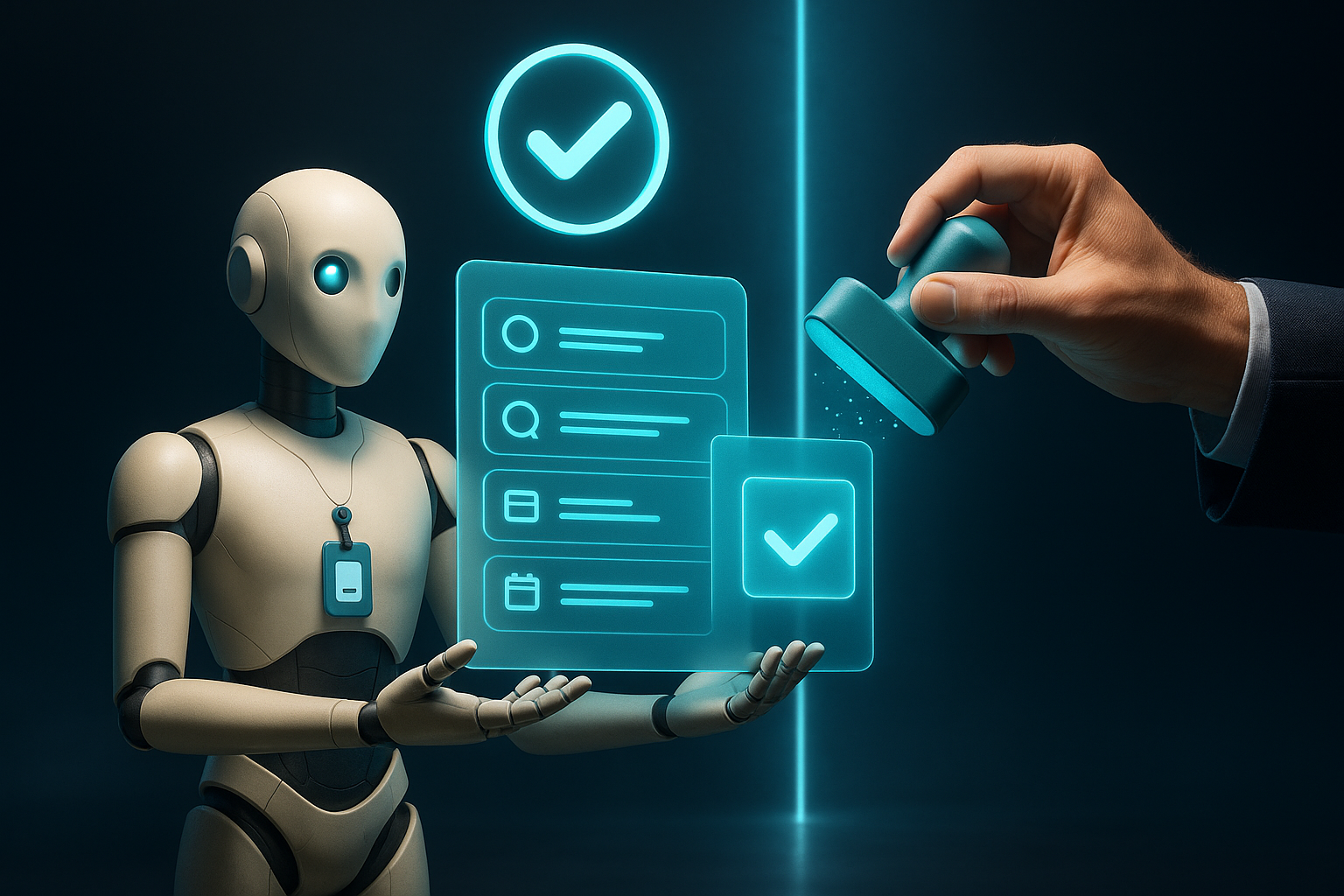
The single most important thing to get right when hiring an AI employee is the approval gate. An AI employee that acts without checks will eventually do something you regret; one that checks with a human at the right moments becomes the most reliable teammate you have.
On MANAV the approval system works like this:
- The AI employee prepares the action (drafts the email, writes the invoice, opens the pull request).
- It stops at the gate and posts the proposed action to the approvals queue (visible in the app at the auditor's Approvals view).
- A human reviewer sees the four fields — what, why, impact, rollback — and picks one of three: approve, reject, edit then approve. All three outcomes are logged.
- The AI employee proceeds (or does not) based on the decision.
This is the difference between an AI employee that is a real teammate and one that is a liability. Learn more on the Human Approval page.
How much does an AI employee cost?
There are two costs.
Platform fee — flat per workspace on MANAV. See pricing for the current tiers, including the free tier.
Inference cost — what you pay the language model provider for the AI employee's actual thinking. A light-duty AI employee (a few tasks a day) is typically a few dollars per month. A heavy-duty one (constant monitoring, hundreds of actions a day) can be $50-$200/month.
Compare that to the fully-loaded cost of the human hours the AI employee is replacing — usually $2,000-$8,000/month of a junior analyst's time — and the math is not close. And with BYOLLM you can bring your own model contract to cap the inference cost even further.
AI employees on MANAV — the Store
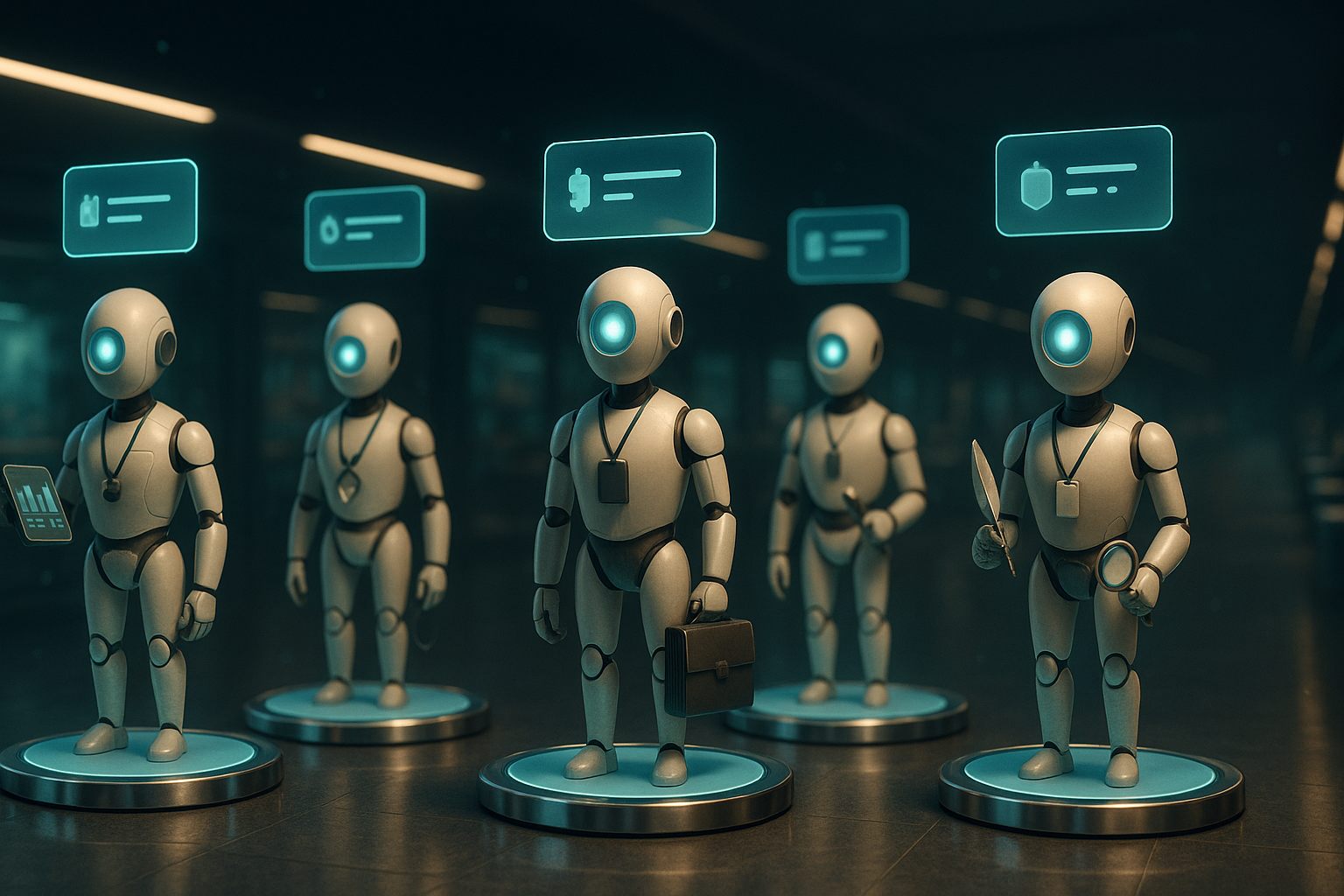
MANAV runs an agent store where publishers list ready-to-hire AI employees and the specialized MCP tools they use. You can:
- Hire a pre-built AI employee — free or paid, monthly or per-query — and it is running in your workspace in minutes.
- Publish your own — turn an AI employee you have built into a listing for other teams to hire.
- Add specialized tools — MCP tools plug into any AI employee and give it new capabilities (a new integration, a new data source, a new action).
The macro backdrop is a workforce shift, not a tech demo. Cognizant is deploying 15,000 AI professionals under its Frontier initiative and its own research suggests AI could unlock $4.5 trillion in U.S. labor productivity — but only for teams that treat AI employees as hires, with a role, a workspace, and a manager to review their work.
This is what makes an AI employee different from a custom automation you have to build yourself: you are hiring, not building. And when the role changes, you re-configure or swap — you do not rebuild.
AI employees — FAQ
Is an AI employee going to replace my staff? In every deployment we have seen, AI employees take the repetitive 20% that used to eat 80% of a team's time. Humans stay for judgment, customer relationships, and net-new work.
What is the difference between an AI employee and an AI worker? Nothing meaningful. "AI worker" tends to come from the operations and RPA world; "AI employee" tends to come from business and HR conversations. Same software either way.
How is an AI employee different from an AI assistant? An assistant answers questions. An AI employee owns work — it plans, uses tools, hands off decisions, and finishes the job.
How many AI employees should I hire first? One. Pick the single most painful weekly bottleneck and hire an AI employee for that. Once it has run for two weeks without a serious misstep, hire the second.
Can an AI employee use my company's existing tools? Yes — MANAV is MCP-native, so any tool with an MCP server (or any REST/GraphQL API you wrap) plugs into an AI employee in minutes.
You may also like
AI Audit Trail: How to Audit Your AI Agents (2026 Compliance Guide)
An AI audit trail is the tamper-evident record of what your AI agent did, when, and why. With the EU AI Act's enforcement window opening August 2, 2026, and 88% of enterprises reporting AI agent security incidents in the last year, an audit-ready agent is no longer optional. Here's what the audit trail actually needs to capture, how to build one that survives an auditor's questions, and why retrofitted audit trails always cost more than the ones you build on day one.
AI Red Lines: What the UN Actually Asked For (and What Your Team Should Do)
On September 7, 2026, UN rights chief Volker Türk asked the world to agree on "AI red lines" — actions AI should never be permitted to take without a human. The signal in that statement is not "slow AI down." It is "decide which actions require a human, then enforce it." Here is what red lines mean, why they matter, and how your team draws them this week.
AI Agent Evaluation: The Framework Every Team Should Adopt in 2026
An AI agent evaluation framework is how you know your agent is any good — before you ship it, and while it runs in production. This guide covers the three-level eval stack (unit tests, LLM-as-judge, online evals), the metrics that actually matter for agents (versus one-shot LLMs), and how to design rubrics that stabilize at 85%+ human agreement in three iterations.